.png)
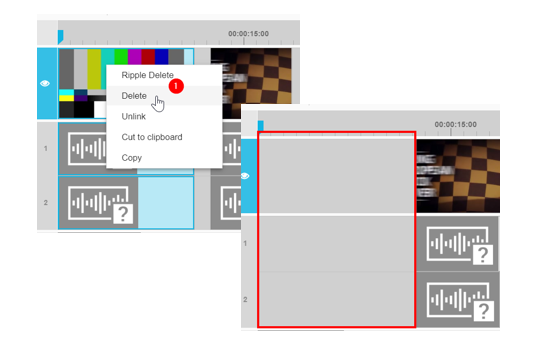
When working on the timeline, users may want to remove a segment in the timeline. There are two main approaches to deletion in a timeline context. Right clicking on the segment and prompting the context menu will offer both the "Delete" and "Ripple Delete" options.
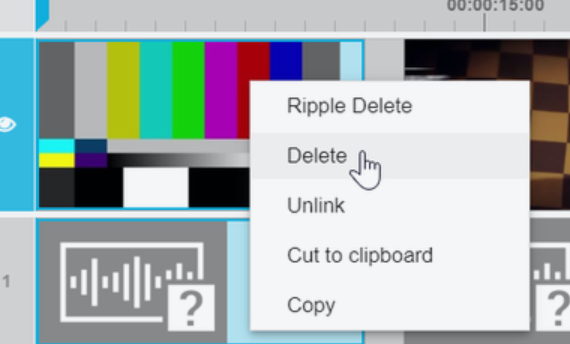
Delete
Selecting the "Delete" option will remove the selected segments from the timeline without adjusting the timeline in response. As a result, the Delete option has the immediate result of leaving gaps where the segments were previously placed. Also VidiEditor offers a ripple delete option thatis describerd in Ripple Edit and Ripple Delete [ VE 20.2 UG] .