.png)
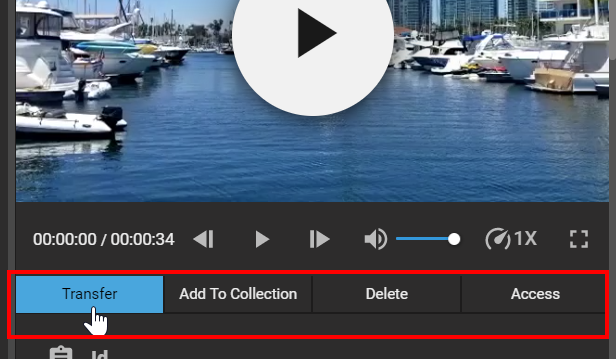
Apart from the player options and metadata displayed in the Preview Panel, users are presented with different tabs below the player. Each of these serve a specific function and are listed below:
-
Transfer: Allows users to select a pre-configured destination to which the current shape (format) will be exported to.
-
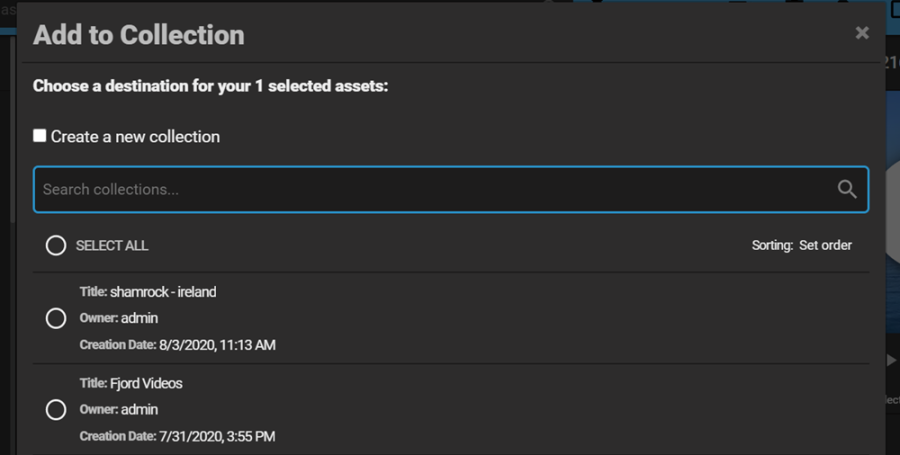
Add to Collection: Allows users to add the item to a collection or multiple collections. Users can search for relevant collections or create a new one from the same window.
-
Delete: Selecting this tab will prompt a deletion dialog window asking the user to confirm the action. Please note that this action is subject to a user's permissions.
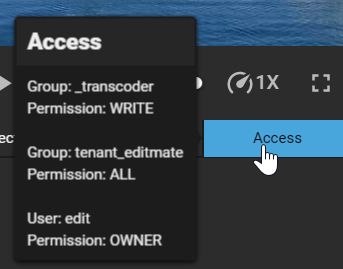
Access: This tab offers users and overview of permissions set for the item.