.png)
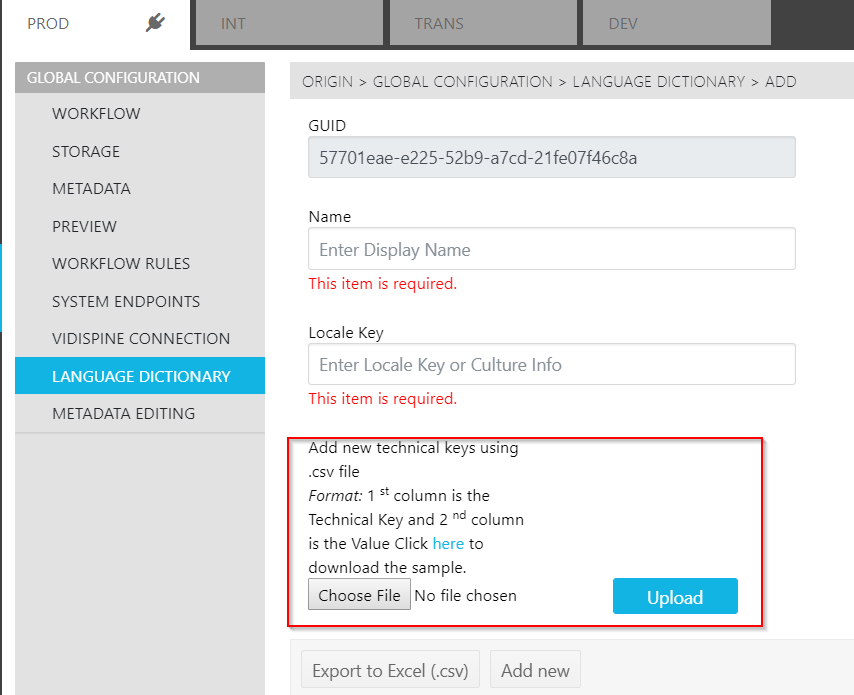
When adding a new language to the Language Dictionary Page, each language entry will generate its own unique ID "GUID". Each language entry requires that a name be given as well as a locale key – following the international standard.
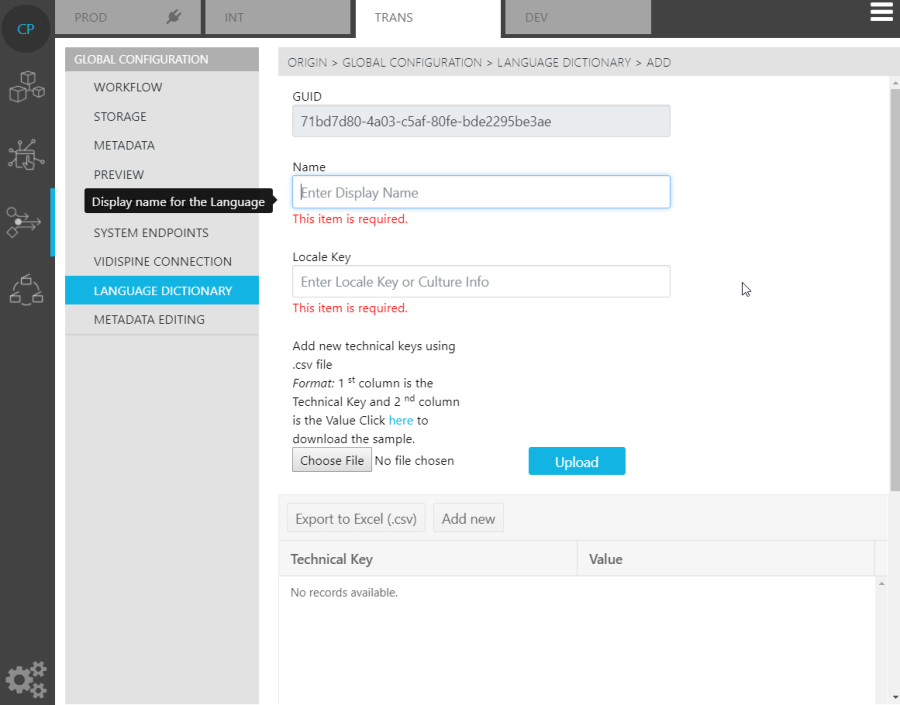
Once the language entry has been made into ConfigPortal, users can then upload a list of technical keys and their corresponding values. This can be done via a .csv file (with a template directly available from the Page).