.png)
MediaPortal’s Event View is optimized to search with time metadata for events. The search provides results based on the general item information and its corresponding events.
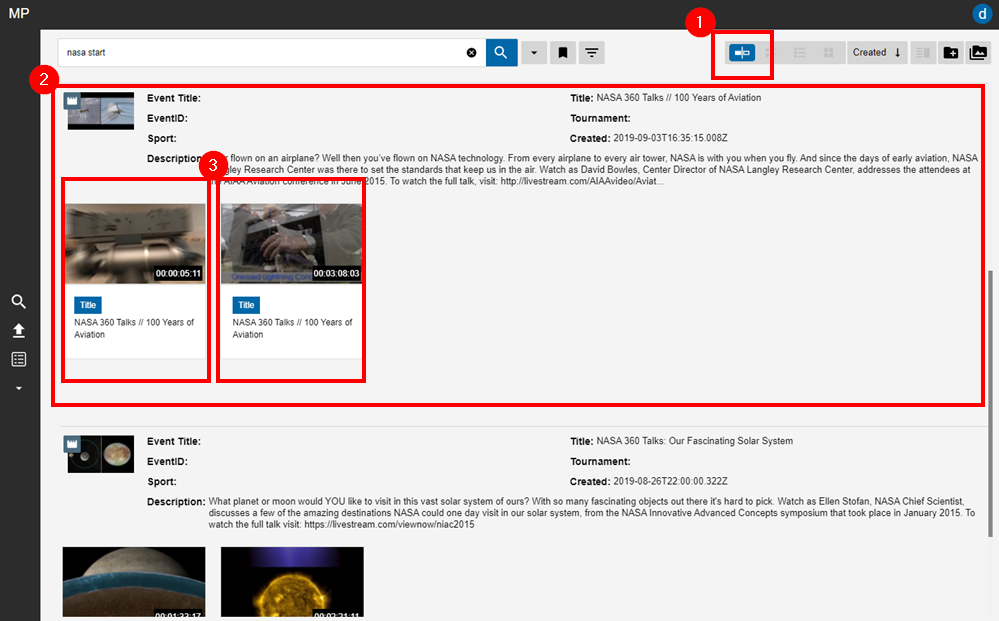
The Event View can be selected on the view selector (1) and provides a range of information as expressed in the example below (2). For entry, additional selectable elements can be seen below the metadata. These elements (3) are each events.
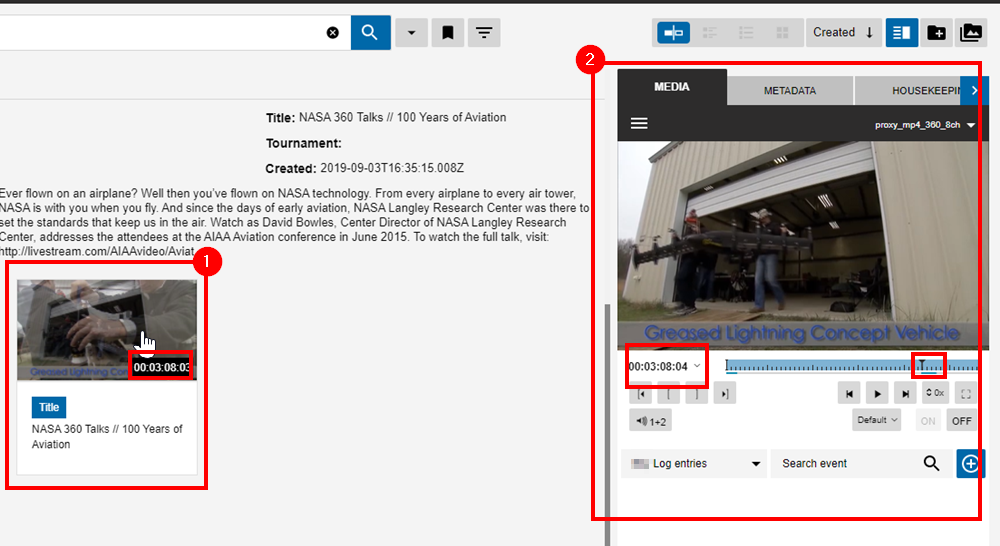
As shown in the image below, if a user wants to view a particular event, they can do so by clicking on it (1) and have it prompted in the Preview Panel (2) as shown below. Naturally, the player in the Preview Panel will jump to the IN position for the event in the video asset’s timeline.