.png)
When facing any unexpected behavior, and would like report to us.
Please use “Log a problem” feature to extract information for us
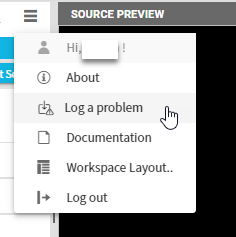
-
Description of the problem (Mandatory field)
Before generate the log, please describe your problem and reproduction steps as detail as possible.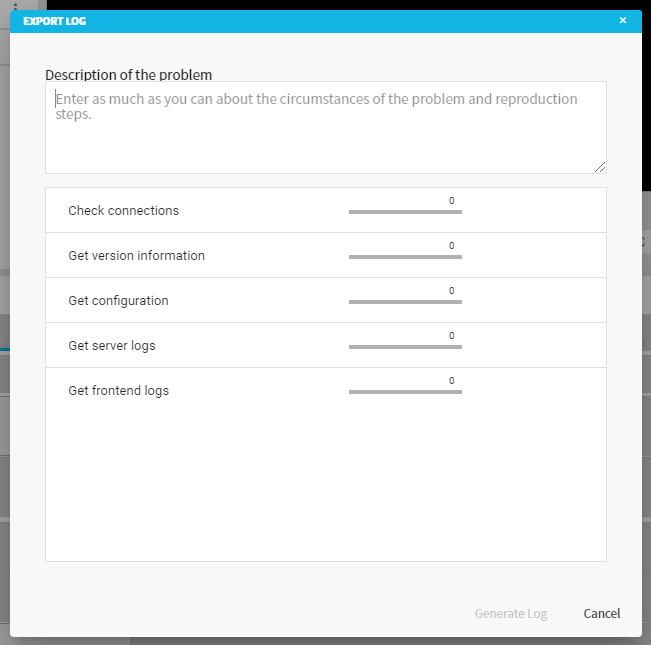
-
Generate log
Now you are good to go to click on generate button.
There will be progress bar for each extraction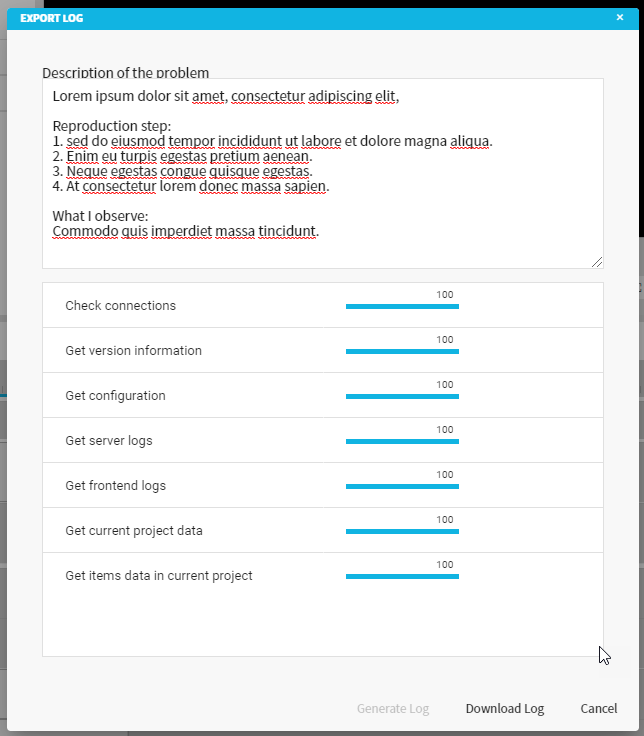
-
Download log
After all necessary information ready, “Download Log” button will be enabled.
Please click it and download the zip file.
* Note: You cam still modifying the description before click Download Log.
* Note: If any of the progress above showing error, please click on Retry button to attempt one more time. If error persist, is all good, just proceed to Download Log.