.png)
When selecting a search term in the search bar, even if selected from the autocomplete, the term will always be accompanied with a small panel. While by default the panel displays an inclusive "" next to the search term, it can either display "" or "-".
While by default the panel displays an inclusive "" next to the search term, it can either display "" or "-".
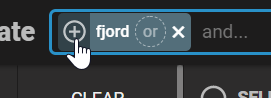
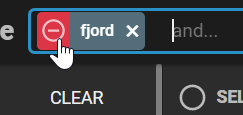
Having a an inclusive "+" next to the term, indicates that the term is necessary for producing a match. Having an exclusive "-" next to the term indicates that any object containing this term as will not produce a match.
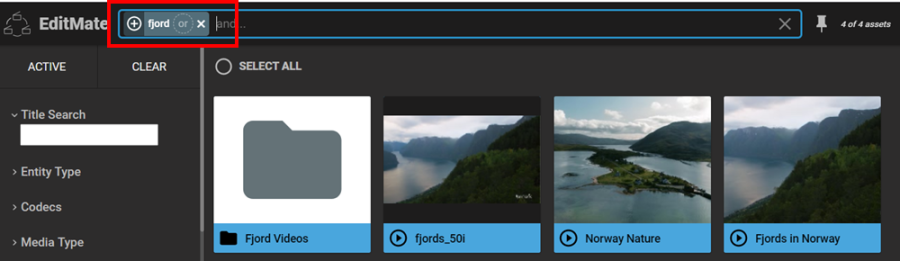
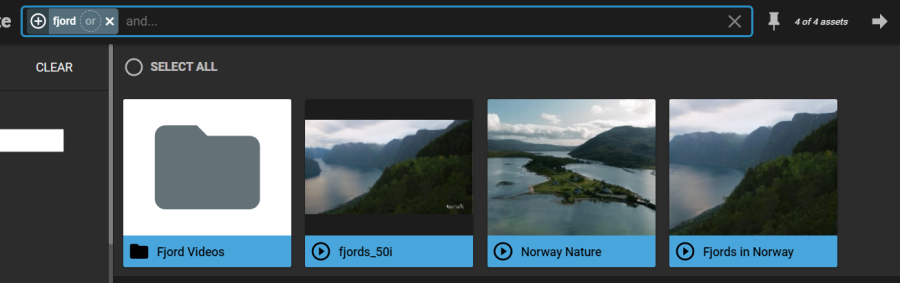
In the example below, the term "fjord" was entered with multiple results. All results include the term in the title field. Entering any additional term will result in an AND operator behavior – as indicated by the grey "and…" next to the first search term in the search bar.
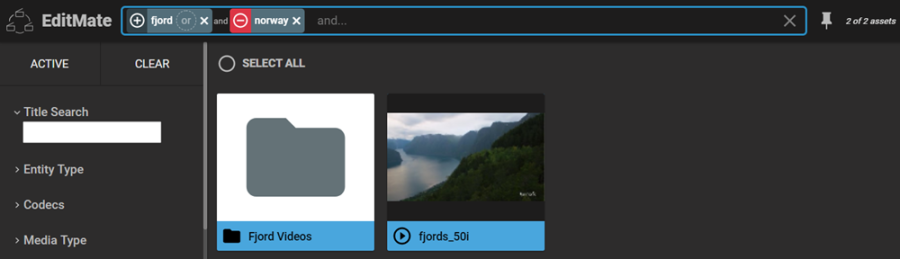
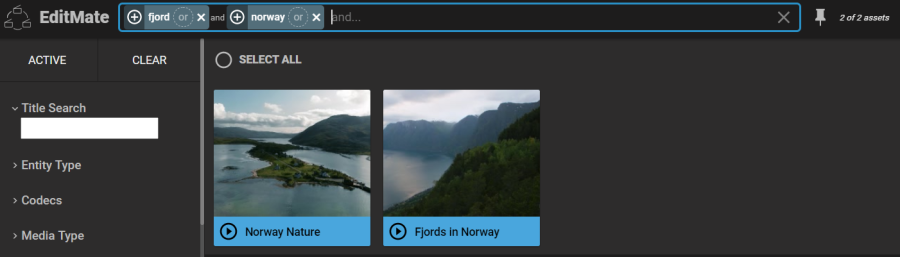
By entering "norway" only those object which include both "fjord" and "norway" are considered valid.
However, users are given the freedom to change this behavior by simply clicking on the "+" icon and turn into a "-". As a consequence, "norway" will assume a NOT operator behavior. Any object containing "norway" in any of its metadata values will then produce a match.