.png)
Having selected the Default Layout Page, users are offered a list of the all the metadata configured via the Metadata Page under Global Configurations.
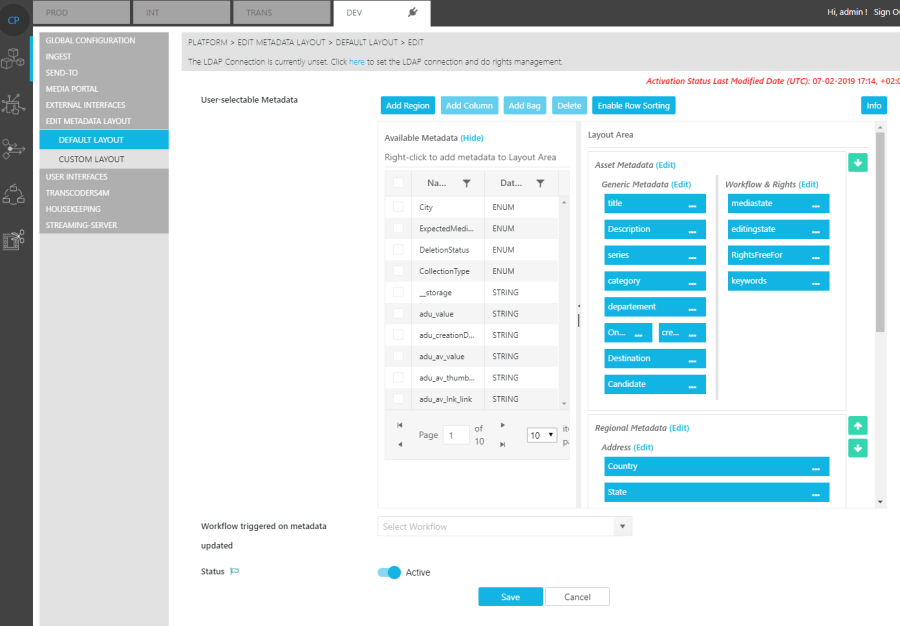
When specifying the layout and determining metadata placement, users can:
-
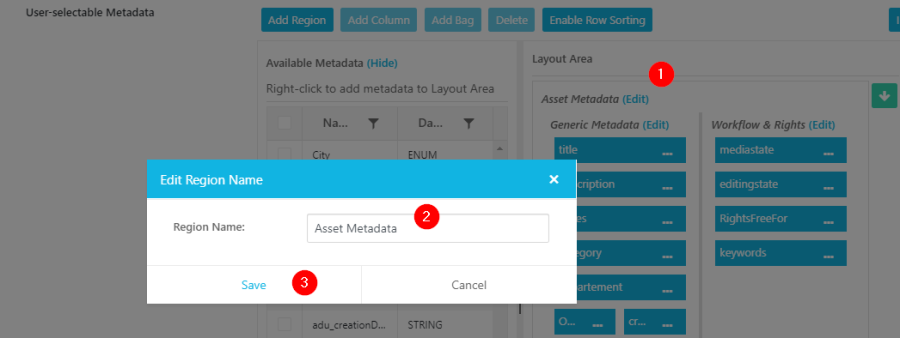
Add Region: Creating regions in the layout. Each region can group different metadata in a particular order and be given a label.
-
Add Column: Additionally, users can separate each region into columns with their own labels.
-
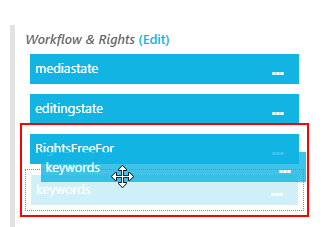
Specify Order: Drag and drop selected metadata fields in a specific order.
Field Behavior
Please refer to the field behavior as explained in the Placeholder section of this document.
Workflow Selection
Users also have the opportunity to select a particular workflow to be triggered whenever an item is updated. Users are expected be familiar with the workflow before selecting it.