.png)
VidiEditor makes it possible for one to add transitions on segments at beginning or end of a segment, as well as on a cut position between two segments. The following types of segments are supported:
|
Type |
In |
Out |
Cut |
|---|---|---|---|
|
Video cross dissolve |
Fades from below layer |
Fades to below layer |
Fades between 2 segments |
|
Audio cross dissolve |
Fades from silent |
Fades to silent |
Fades between 2 segments |
To add a dissolve, go to VidiEditor's effects panel and choose the desired transition. It can be easily added to the timeline via drag and drop.
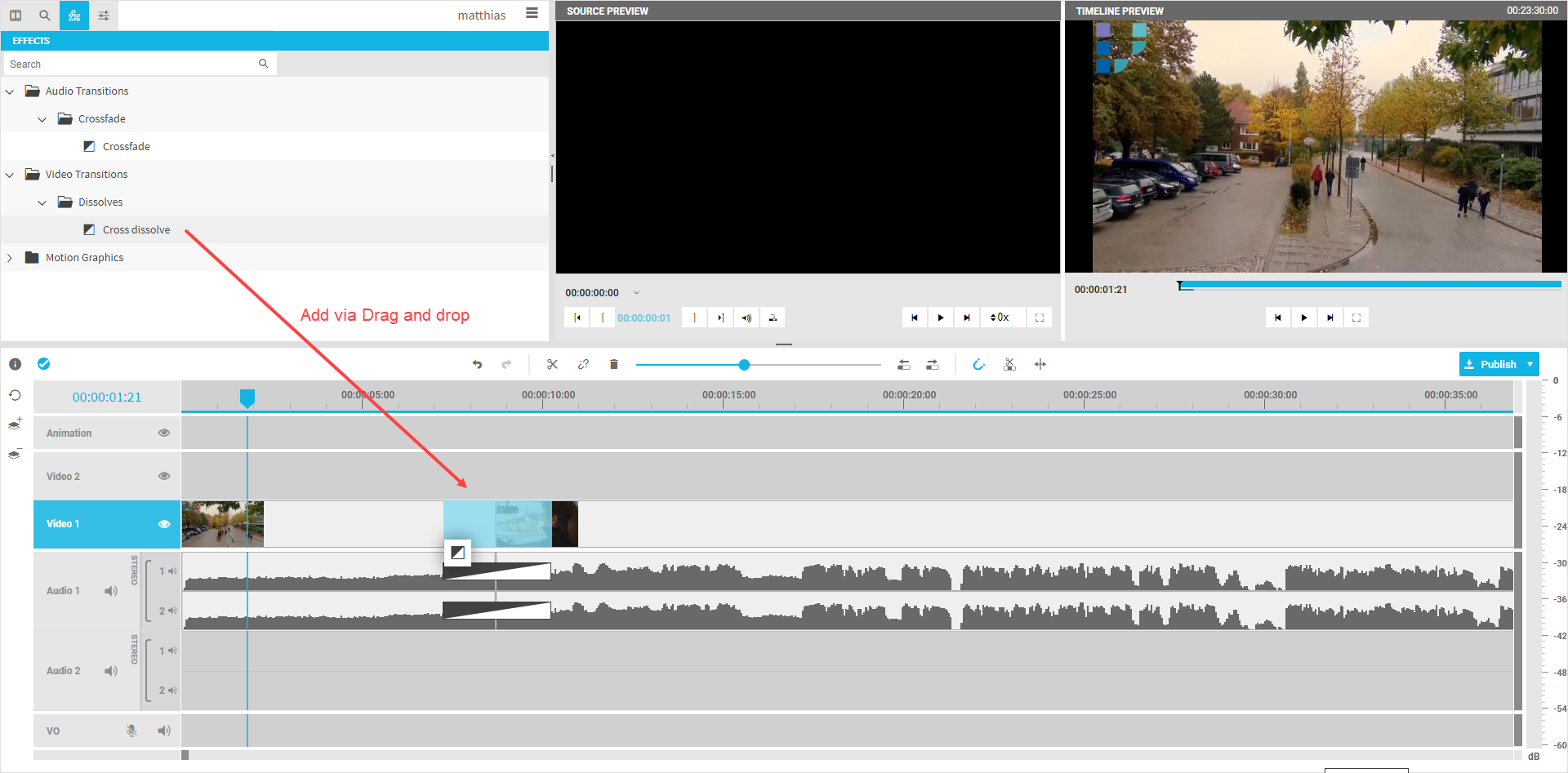
It will be added with its default length of 3 seconds. This can be easily adjusted with trimming the transitions length directly on the timeline.
Please note: VidiEditor validates the needed meet when dropping the transition to a position. In case not enough media material is available it will reject adding the transition.
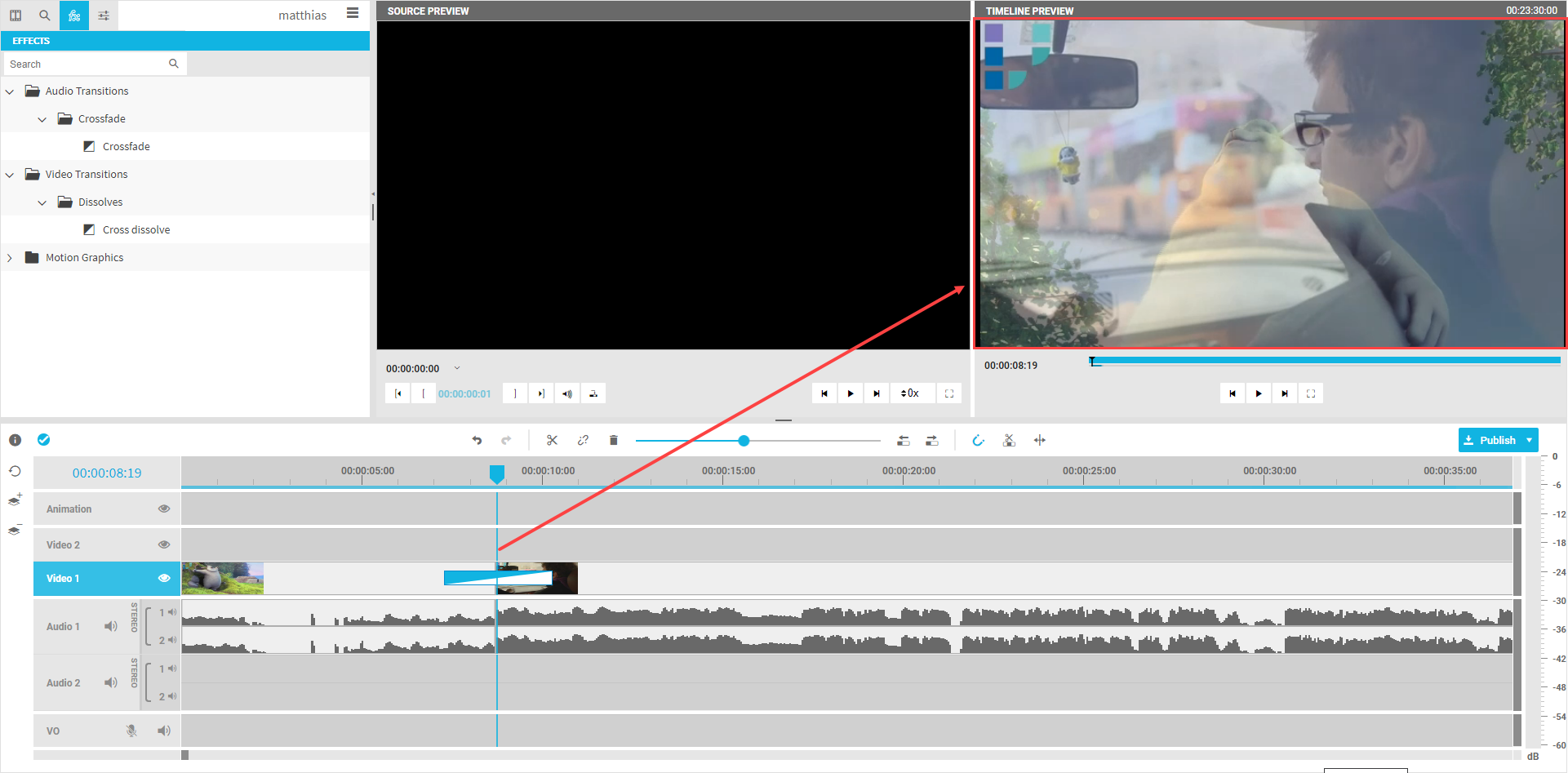
The result will be outputted in the timeline player after adding the transition to the timeline: