.png)
For information on added, removed, or changed items, please refer to the latest VidiFlow release notes.
Task Agents for a workflow are selected under the Properties Menu within Workflow Designer as shown in the example below:
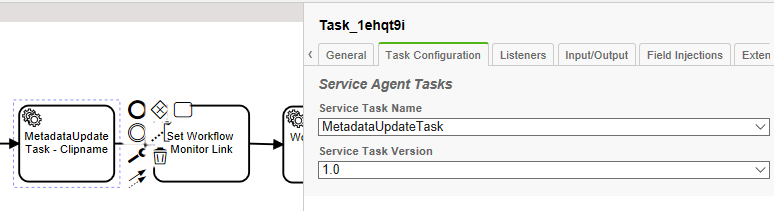
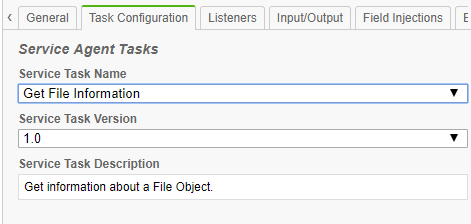
By clicking on the dropdown under Service Task Name, users are able to see the complete list of currently available Task Agents in VidiFlow. Selecting a particular Task Agent will then provide users with a description of the task purpose in function under the same tab.