.png)
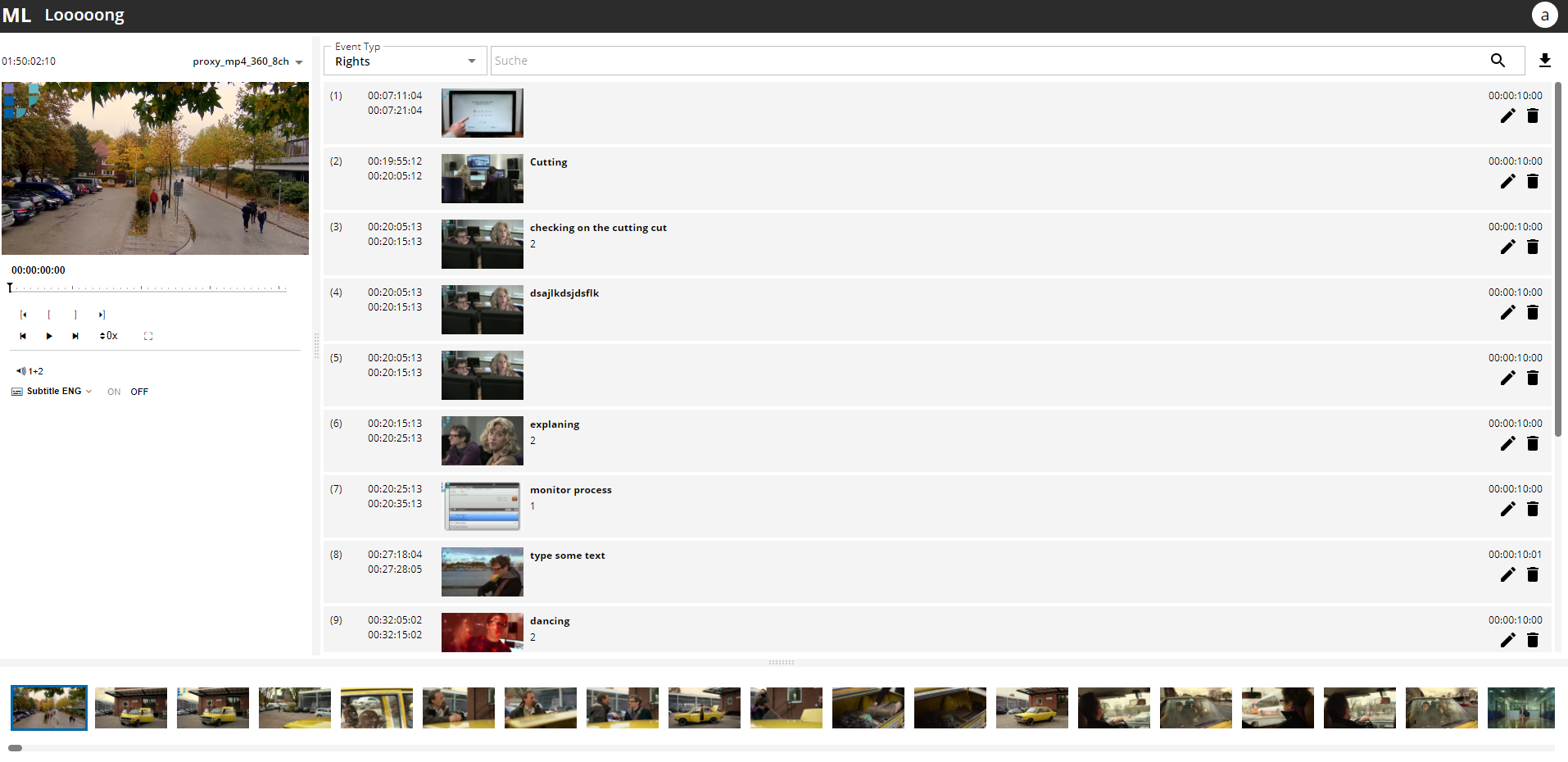
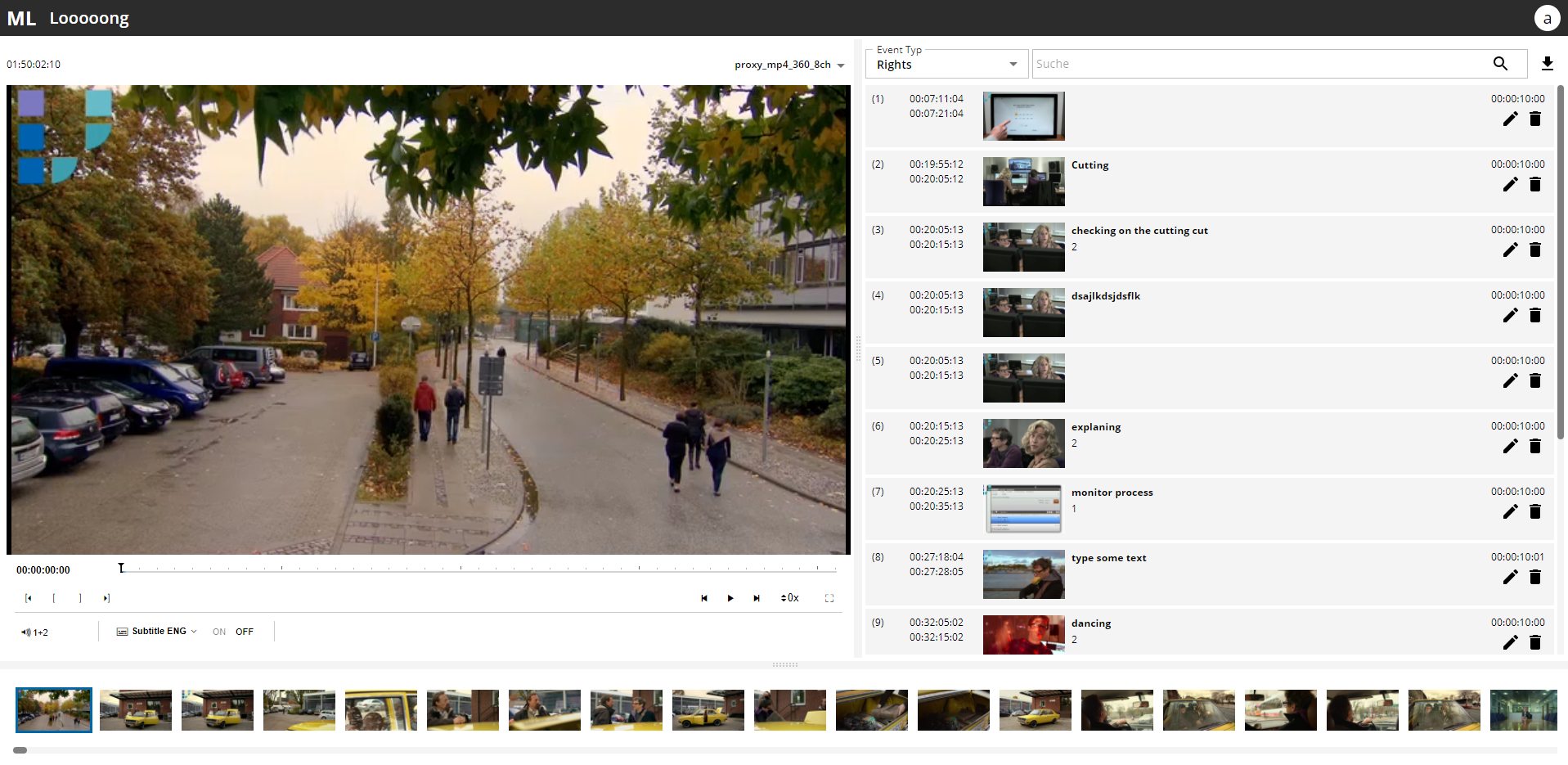
MediaLogger is composed of the following main areas:
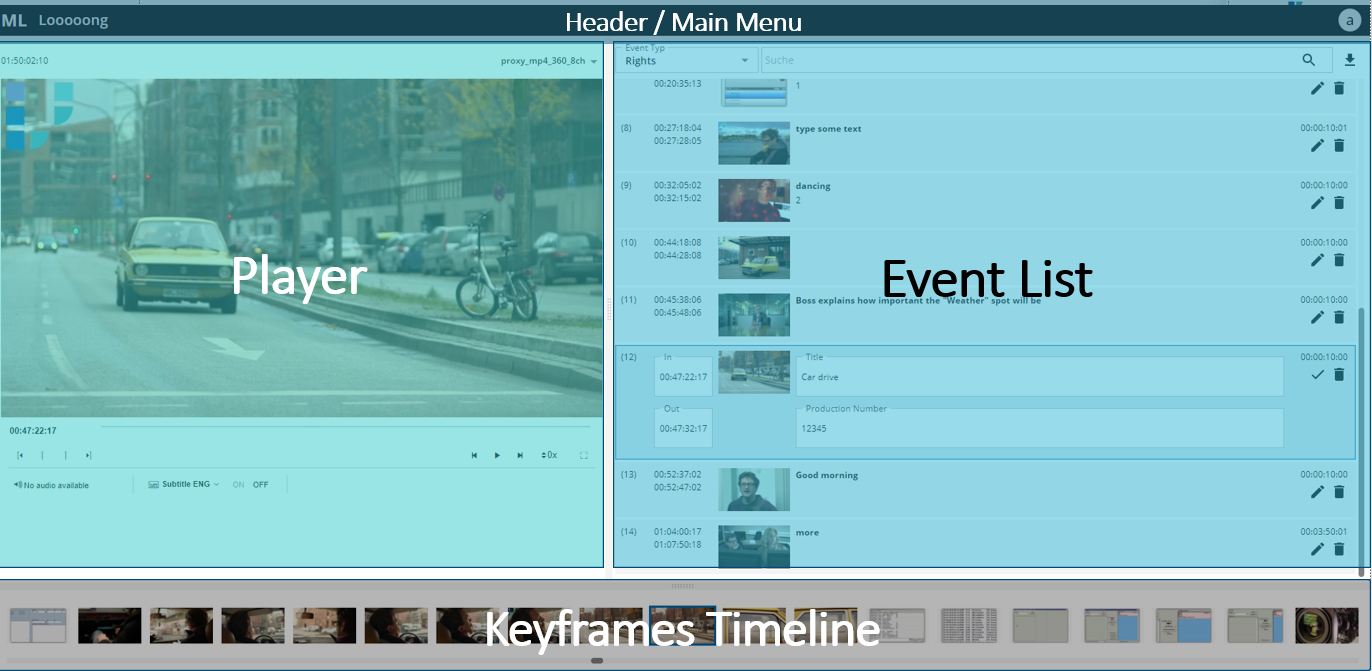
Header: shows the video name and contains the main menu
Player: to control the video/audio playback and set IN/OUT markers
Event list: shows existing events and is the main area to edit the events
Keyframes timeline: shows the automatically generated keyframes for easy navigation within the video.
Users can adjust the size of the Player and the Event list area by drag and drop of the splitter control between the different areas.
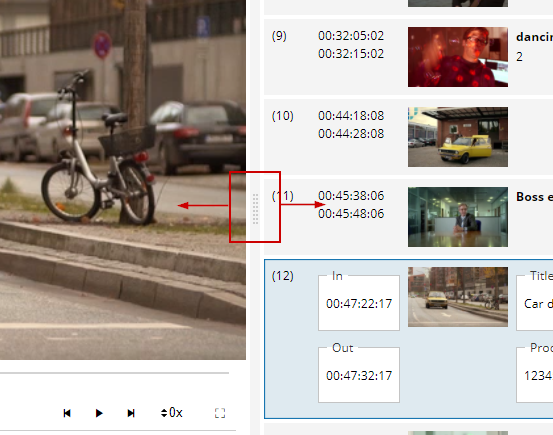
In that way either the Player or the Event List uses more space of the screen.